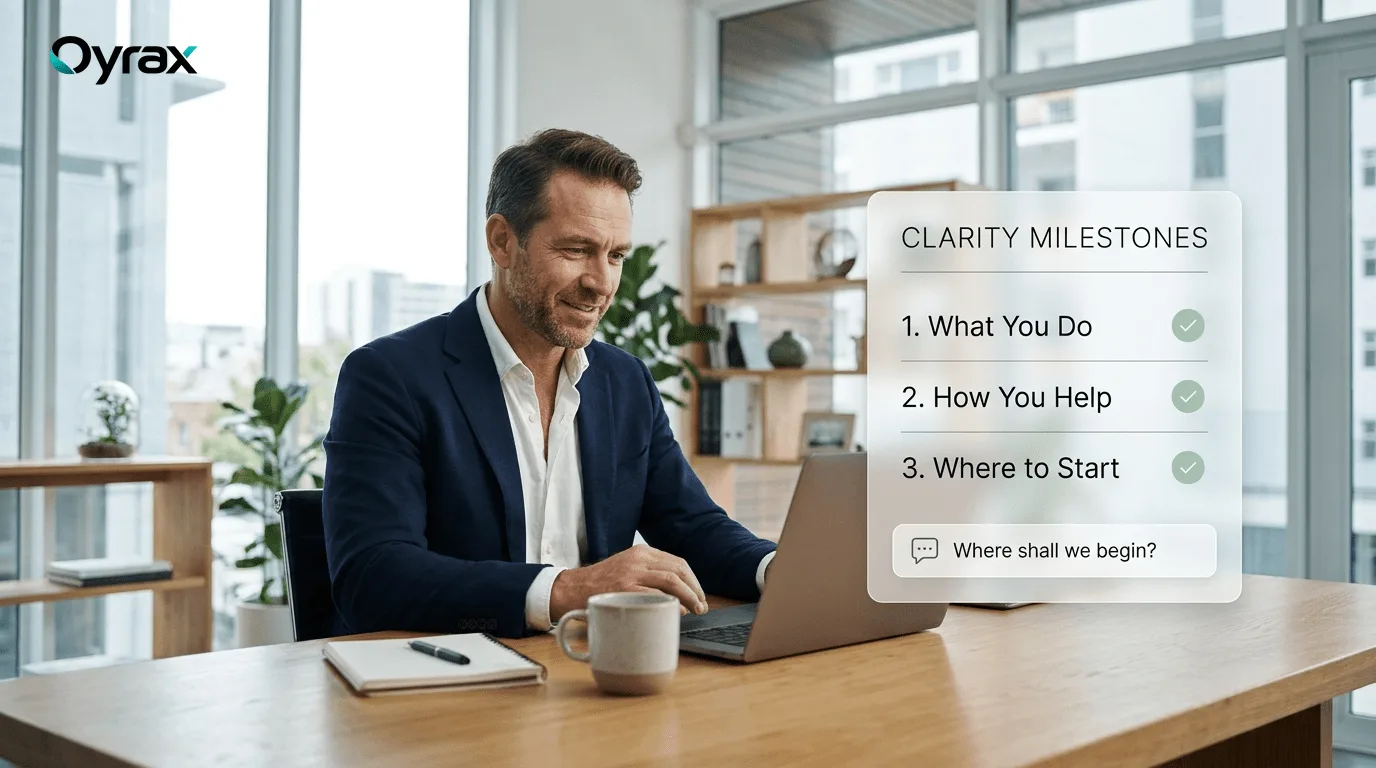

For solo founders, independent consultants, and early-stage startup creators, building a business is an exhilarating journey—and a constant battle against the clock.
In the early days of a company, the founder does everything: building the product, designing marketing campaigns, managing invoices, and answering customer support inquiries. But as customer interest grows, an exhausting paradox emerges: success begins to feel like a trap.
Instead of dedicating uninterrupted hours to strategic growth, product refinement, and closing new clients, founders find their days fractured by dozens of repetitive customer questions:
- "Where can I download my latest invoice?"
- "Do you offer monthly payment options?"
- "How do I connect my account to my existing tools?"
- "Can I reschedule our consultation for Friday?"
By midnight, the founder is sitting exhausted in front of an overflowing inbox, answering the exact same five questions for the twentieth time that week.
Scaling a business should not require sacrificing your personal well-being or working 80-hour weeks. The modern answer is giving your business an intelligent digital front desk that scales customer care without adding operational burnout.
The Hidden Cost of the "Founder-as-Support-Desk" Model
When a founder handles all customer service manually, three severe operational bottlenecks constrain business growth:
- Strategic Opportunity Cost: Every hour a founder spends typing manual answers to routine questions is an hour not spent building partnerships, refining core services, or acquiring new customers. In business, founder time is the single most expensive resource.
- Inconsistent Response Times: When a founder is deep in client work or asleep at night, customer inquiries sit unanswered for 10 or 12 hours. High-intent prospective clients will not wait; they move on to more responsive competitors.
- Founder Exhaustion and Cognitive Fatigue: Context-switching between high-level strategic thinking and firefighting routine emails leads directly to burnout, impairing decision-making quality.
How Smart Automation Reclaims 20+ Hours Every Week
| Operational Task | The Manual Founder Routine | The Automated Digital Assistant |
| :--- | :--- | :--- |
| Routine Customer Questions | Founder types answers manually 30 times a day | Assistant answers 78%+ of routine FAQs instantly 24/7 |
| Scheduling Consultations | 4 to 6 back-and-forth emails negotiating time slots | Prospects select open slots directly on the website |
| Capturing Potential Clients | Morning triage of messy contact form submissions | Enriched contact details and meeting alerts delivered to Slack |
| Weekend & Evening Inquiries | Founder checks phone nervously during dinner | Assistant greets international visitors and confirms bookings |
| Handling Complex VIP Clients | Lost in general email inbox noise | Founder alerted instantly to step in only when needed |
3 Practical Steps for Solopreneurs to Automate Support Today
Founders do not need complicated technical training or full-time staffing to provide enterprise-grade customer communication. You can streamline operations in three simple steps:
1. Document Your Common Questions Once
Take thirty minutes to write down the ten questions customers ask you most frequently regarding pricing, timelines, deliverables, and service scopes. By feeding your existing website content, onboarding guides, and common FAQs into a digital assistant, you train it to represent your business accurately.
2. Put Calendar Scheduling on Autopilot
Stop trading emails trying to find mutually agreeable meeting times. Embed a real-time calendar scheduling tool directly into your website's conversational assistant. Motivated clients can view your available consultation hours and reserve a meeting with automated calendar invitations sent to both parties.
3. Establish Clear Escalation Rules
Automating routine customer service does not mean disappearing. Set up simple alerts: when an inquiry involves custom enterprise pricing, a high-value partnership, or an urgent client issue, have the system notify you directly in Slack or by email so you can step in personally.
Reclaiming Your Freedom with Oyrax
Oyrax was built to give ambitious founders and small business owners the operational power of a dedicated customer service team:
- Instant Answers Trained on Your Business: Ingest your website pages and service documents in under 2 minutes. Oyrax learns your business guidelines and answers customer questions accurately 24/7.
- In-Chat Google Calendar Scheduling: Clients view your live availability and reserve consultations directly inside the chat window, eliminating scheduling headaches.
- 78% Average Routine Ticket Deflection: Resolves routine questions automatically, freeing up dozens of hours every week for strategic business growth.
- 1-Click Live Human Takeover: If a high-value prospective client arrives, you are notified in Slack and can take over the live chat from your phone or laptop in 1 click.
By delegating repetitive questions to an intelligent digital assistant, solo founders protect their time, delight customers with instant answers, and scale their businesses sustainably without burnout.